

The Role of AI in Business Process Automation and Operational Cost Reduction
Introduction
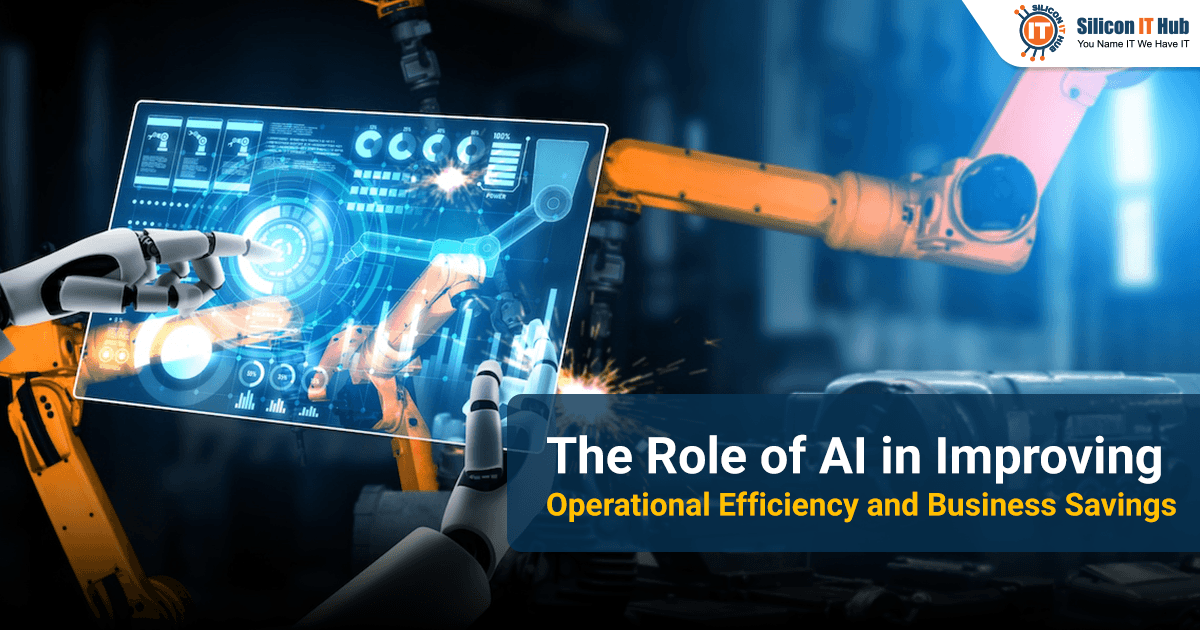
AI can help businesses reduce operational costs by automating administrative work, reducing delays between teams, preventing equipment downtime, and handling repetitive customer support queries. Instead of spending hours processing invoices, answering routine questions, or managing inventory manually, employees can focus on work that requires human judgment. When applied to the right processes, AI-driven automation helps businesses save time, use resources more effectively, and improve overall operational efficiency.
Many jobs involve repetitive tasks, such as processing invoices, answering delivery-related questions, and forecasting inventory needs. Using AI technology for businesses is not limited to chatbots or experimental projects. Companies can use custom AI development services to manage activities including document management, demand and sales forecasting, unusual financial activities, and repetitive tasks for employees. This is not just a chance to reduce the workforce or add yet another piece of software. It is an opportunity to get people out of doing the same thing day in and day out.
AI Reduces Repetitive Work
AI can reduce operating costs by automating document review, data entry, and approvals. It manages several responsibilities by identifying patterns, simplifying information, and strengthening the decision-making process.
Consider a regional food supply chain company. This company receives approximately 600 invoices every month. The accounts department has to perform the following tasks manually-
- Enter invoice numbers
- Verify amounts
- Compare each invoice with the corresponding purchase order
- Resolve any disputes with suppliers
An AI-based invoice process management system extracts necessary data and compares the invoices with purchase orders automatically.
Employees can review exceptions without performing every step. AI for business efficiency helps reduce repetitive work while allowing employees to focus on tasks that require human judgment and expertise. This works best when exceptions are rare enough for one person to review.
In practice, AI can:
- Manage documents and routine requests in a short time
- Identify errors that might result in additional workload
- Predict requirements for stock and customer demand
- Route requests to the right person or department
- Supply management with necessary information for decision-making
There are still three major considerations:
- The Process: Define the repetitive and time-consuming tasks; now determine if automation can improve those without making the process more complex.
- Data Quality: Ensure AI is fed with accurate data because inaccurate details generate poor results.
- System Compatibility: Decide if an AI solution is capable of working with the existing system without making expensive modifications.
AI is not always the solution to the problem, and businesses must weigh the benefits of AI against the implementation cost.
Four Practical Ways AI Helps Businesses Save Money
AI for cost-savings can help companies cut costs in four areas: admin work, handoffs between teams, equipment breakdowns, and customer questions.
Automating Repetitive Administrative Tasks
Administrative staff lose time whenever they copy data between a spreadsheet, an email, and a business application.
Automating these repetitive steps frees employees from copy-and-paste work. Unlike rule-based automation, artificial intelligence does much more since it is capable of reading documents, understanding instructions, and sorting information.
In a hypothetical 60-person design agency, an office manager receives purchase requests by email, checks that each one includes the cost, budget code, and vendor, and forwards it to the right manager for approval. AI workflow automation performs all three steps and routes the request according to company policy. The office manager steps in only when something is missing or a decision is needed.
Before automating a process, businesses should check whether every step is actually necessary. Automating a complicated approval process without simplifying it may save a little time while preserving the underlying problem.
Reducing Delays Between Teams
A task can be completed quickly by one employee and still take days to move through an organization. The hold-up is someone waiting for information, approval, or an update from another department.
AI workflow systems screen entries, assign tasks, set deadlines, and identify potential bottlenecks. Suppose, in a construction company with 150 employees, a procurement department may submit a site equipment request without the budget code or quotation. AI checks the request on submission and returns it immediately if the budget code or quotation is missing, so it never stalls at approval.
Employees check fewer emails and spend less time asking co-workers for updates. Companies should look at average approval time before and after to know if it works.
Avoiding Expenses of Equipment Failure
An unexpected failure of equipment is likely to lead to reduced productivity, late shipments, and increased maintenance costs. In manufacturing plants, a brief stop on one machine can halt every process downstream of it. Predictive maintenance AI models use fault detection on equipment temperature, vibration, and maintenance logs to identify signs of failure. The cost of getting this wrong is high: a 2024 Siemens report estimates that unplanned downtime costs the world’s 500 largest companies about $1.4 trillion a year, roughly 11% of their revenues.
Imagine a packing facility with 20 filling machines. There is information from the sensors indicating that the vibration signature of the motor of one particular machine has changed within a span of two weeks. The maintenance team inspects the machine and decides whether to repair it at the next planned stop. That is how AI-driven efficiency allows companies to switch from reactive maintenance to planned servicing.
Predictive methods are not foolproof because low-quality sensory information or unusual operation may result in false warnings. Companies need to compare predictions with actual maintenance results before relying on them for decisions.
Handling Routine Customer Questions
Customer support agents answer the same questions repeatedly: Where is my order? How do I reset my password? What are the return policies?
AI-based chatbot assistants respond to these requests by making use of information approved by the company, like the help center and the order tracking information. If the question or request posed is complicated, then the chat is escalated to an employee.
Such intelligent automation can help employees save time and provide customers with 24/7 availability. An AI chatbot can answer regular queries about order status, delivery timelines, and return policies quickly. It is, however, necessary to escalate invoice disputes or delivery delay-related queries to a human employee, who can consider circumstances and make proper decisions. This combination of AI assistance and human judgement helps businesses improve response times without affecting customer service.
To determine the performance of the assistant, companies need to measure the number of interactions resolved. Also, success rate, satisfaction levels, chat escalations to employees, and errors in the data provided by the assistant need attention.
Which Departments Gain Most From AI
Finance and procurement departments benefit more when there is a high number of invoices or purchases. Its value increases as companies integrate their applications to address certain operational issues.
Finance: AI can analyze invoices, match transactions, and spot discrepancies in expenditures. The finance department can then focus on the discrepancies through AI in this way.
Procurement: AI can compare quotations from suppliers, review past prices, and find purchasing patterns worth focusing on.
Human resources: It can organize onboarding activities and answer routine employee questions. Managers should make the final employment decision.
Manufacturing: Preventive maintenance and automated quality inspections can help minimize unnecessary downtime and rework.
Sales and customer service: AI can summarize customer conversations, prioritize incoming leads, and answer common product questions.
Selecting the right application depends on the team’s workload. The company that experiences delays in making purchases may benefit more from AI workflow automation than from the complex forecasting model.
Companies should compare average approval time before and after implementing AI for business efficiency.
When Does Custom AI Development Make Sense?
Custom AI development services produce favourable results when your ERP, rules, and data don't fit the default features. General-purpose AI assistants are enough when companies need to draft emails or develop summary reports. The situation changes when businesses require AI systems that comply with their existing system.
An AI app development company can assess whether a custom solution is necessary for such tasks. Custom AI solutions can assist companies:
- Connect AI with the company's ERP (such as SAP or Oracle NetSuite), CRM (such as Salesforce), or procurement system (such as ProcureSuite)
- Apply company-specific approval rules
- Analyze proprietary operational data
- Build specialized forecasting or anomaly-detection capabilities
- Maintain particular security controls and audit records
That flexibility comes at a cost. Custom applications also need development, integration, testing, maintenance, and ongoing monitoring.
Ready to improve operational efficiency and reduce business costs with AI?
LET’S CONNECTHow to Measure AI ROI Without Overestimating Savings
Record what the task costs today, add every running cost, and compare against actual results. Current task costs and actual results are related, but they are not identical.
In order to calculate AI ROI, companies need to document a starting point, incorporate all costs, evaluate real outcomes, and assess the service quality.
A simple ROI calculation is:
ROI = (Annual net benefit ÷ Initial investment) × 100
Suppose an AI project brings an annual gross benefit of $36,000 and costs $12,000 per year to maintain, so the annual net benefit is $24,000. Against an initial investment of $40,000, the first-year ROI is 60%.
This is just an example, not a forecast of the usual ROI from using AI. The company must calculate its return on investment based on its costs and outcomes.
When to Start With AI
Start by examining the task that requires a lot of time and money and see how it performs at present. Then compare standard tools with custom AI development services and test the selected software with fewer resources before launch.
A reputable AI app development company assesses the technical side and implements the right tool in the process. Companies, however, should define success in terms of fewer processing hours, reduced mistakes, quick approvals, or resource optimization. The goal is not to automate everything. It is to make a few important processes work noticeably better and expand only when the evidence supports it.


 Have an Idea?Let’s Build It Together!